Cube 16Sign in

The limit of creation.

No frame, no composition.

Intent finds structure.

Cube 16 is a creative construction system for tattoo artists. It orders references, decisions and versions without displacing the intent of the one who creates.

Every decision stays visible.

Technology organizes the process: composition, line and review. Each stage makes visible what changes and what stays under the artist's control.

Five identities. One direction.

Five identities for exploring a visual intent. Names point to possibilities; the final decision belongs to the artist.

  • Athanor
  • Nigredo
  • Rubedo
  • Coagula
  • Azoth

A limit opens possibilities.

We work with clear limits to open possibilities. A frame lets you compare, correct and recognize when a piece is resolved.

Every line earns its place.

Nothing enters the final piece without earning its place. What adds no structure is removed; what remains holds the piece together.

A clear route to decide.

From the first step to the final line, every stage shows its state. Nothing stays hidden between intent and the resolved piece.

Made by tattoo artists.

Community works

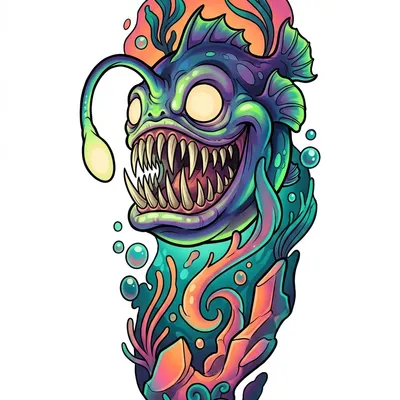
Cartoon baby abyss fish in vivid colors, with many sharp teeth and fisheye perspective.

Cube 16 comes from tattoo studio work. We built it to spend less time on repetitive tasks and more building each piece. Technology supports the process: organizing references, exploring a direction, preparing the work. Judgment stays with the artist. A tool made from the studio, so time returns to creation.
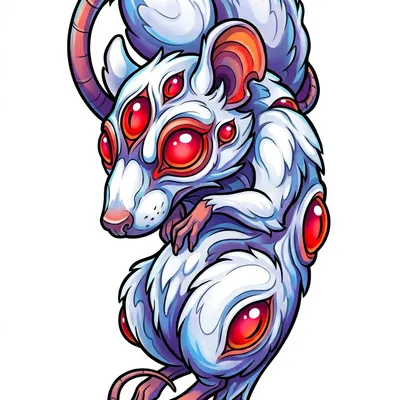
White mutant rat with red eyes, multiple eyes and a dynamic composition in vivid colors.
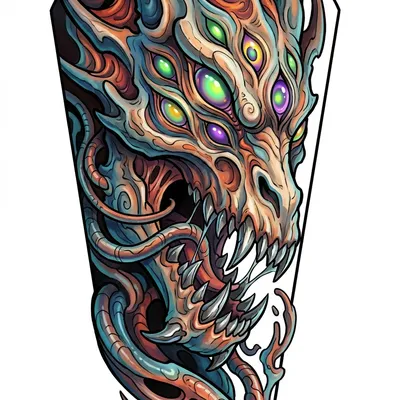
Close-up of a mutant dragon with many eyes, sharp teeth and biorganic textures.
Work by MVP Stencil Tester 2

Community styles

Calisto Pro Ultra

One image. Four readings.

Decide which lines you need to bring a piece to skin.

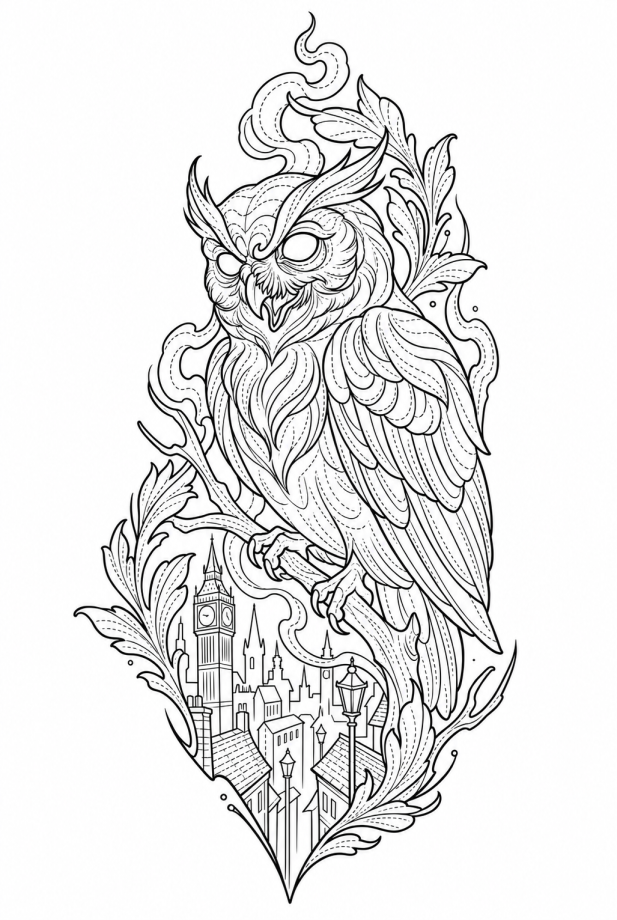
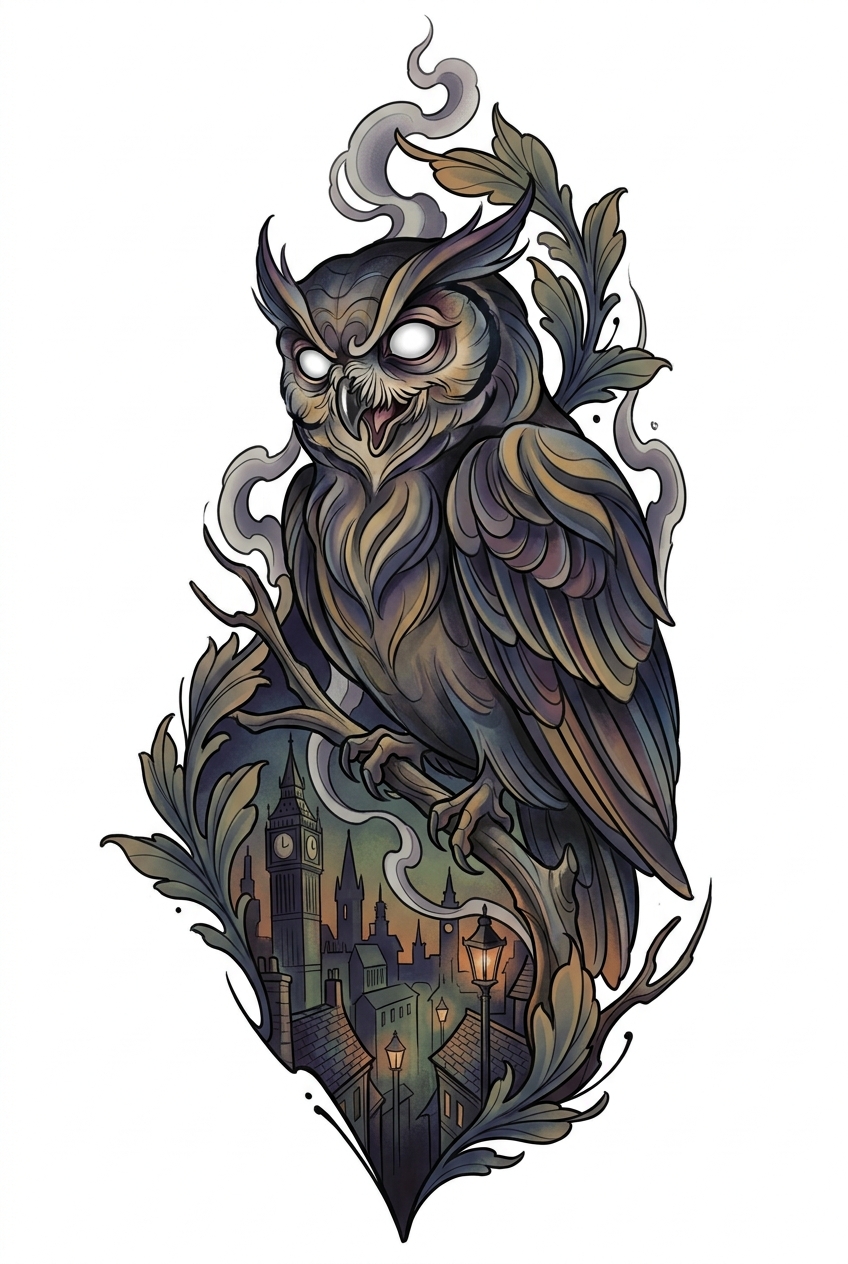
One neo-traditional reference. Four settings from Calisto Pro Ultra.

Skip explanation

Reading 1 of 4

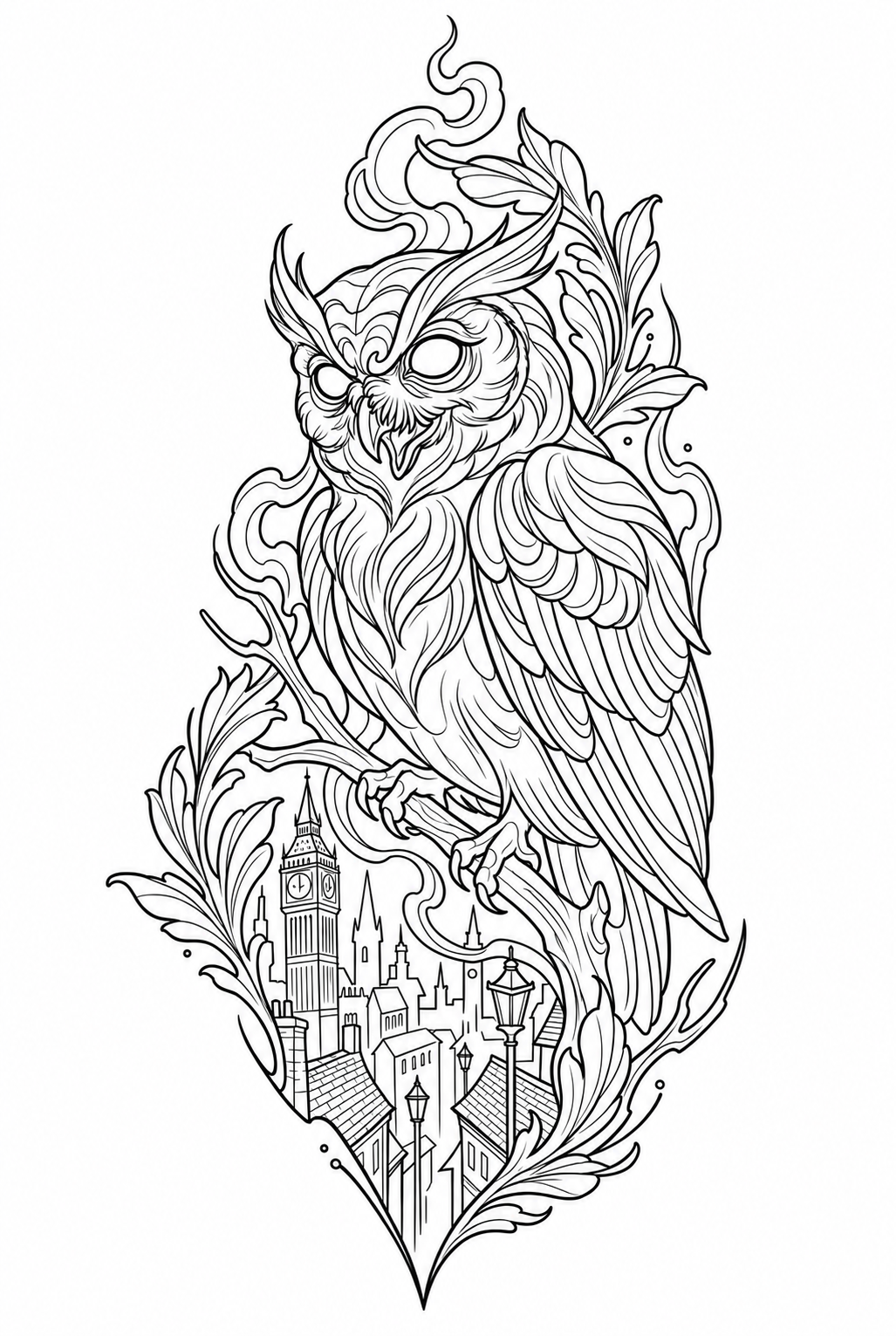
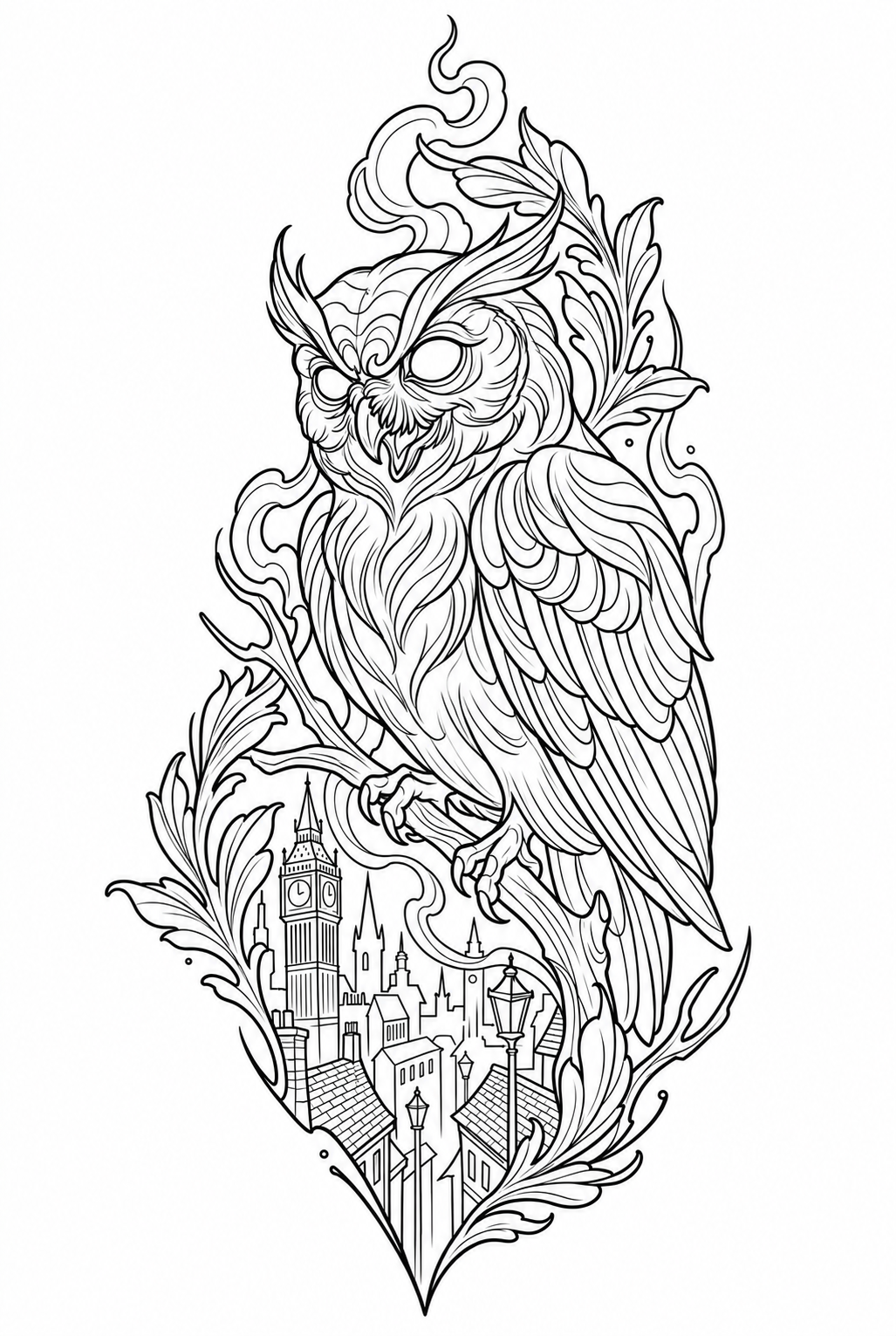
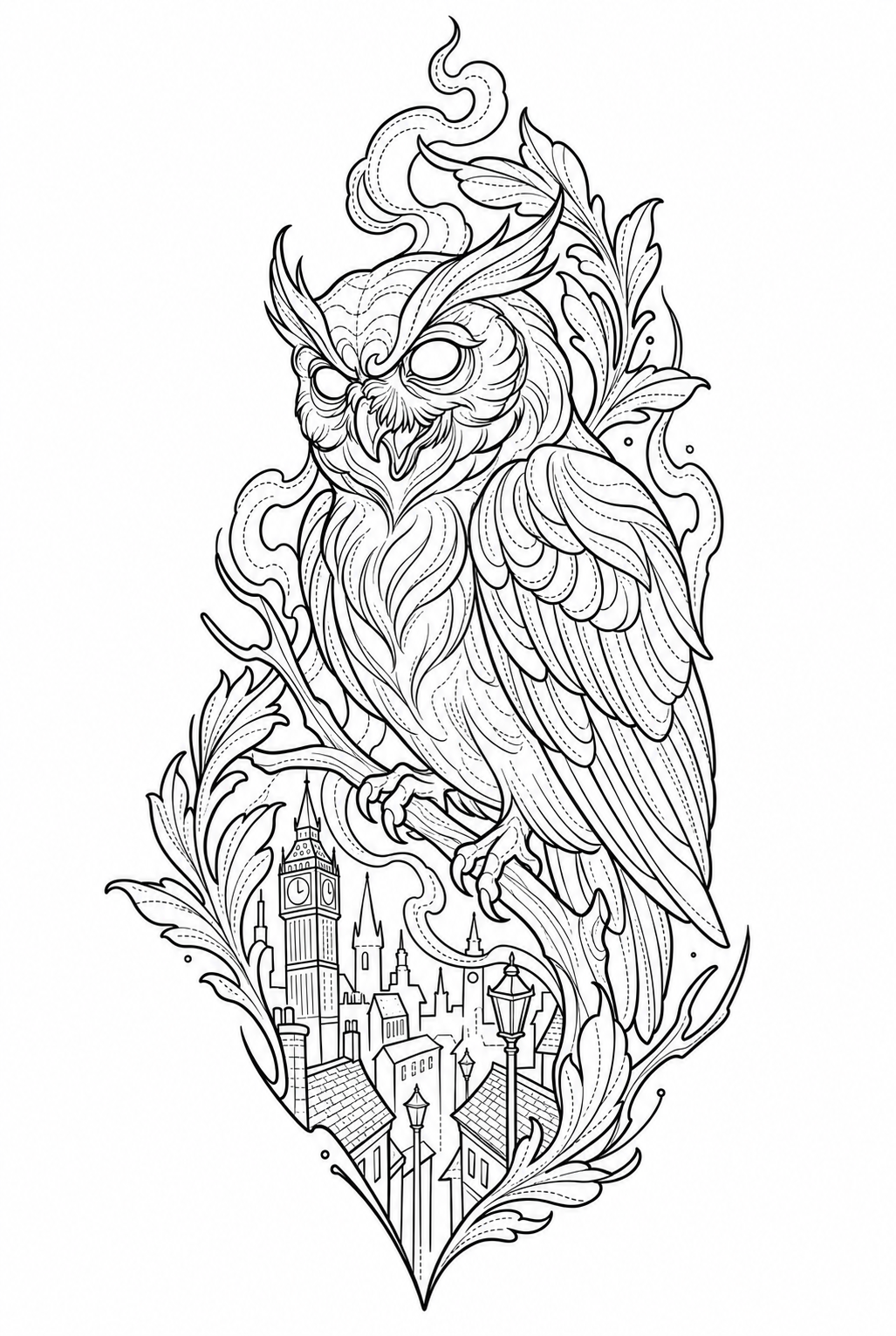
Keep the structure

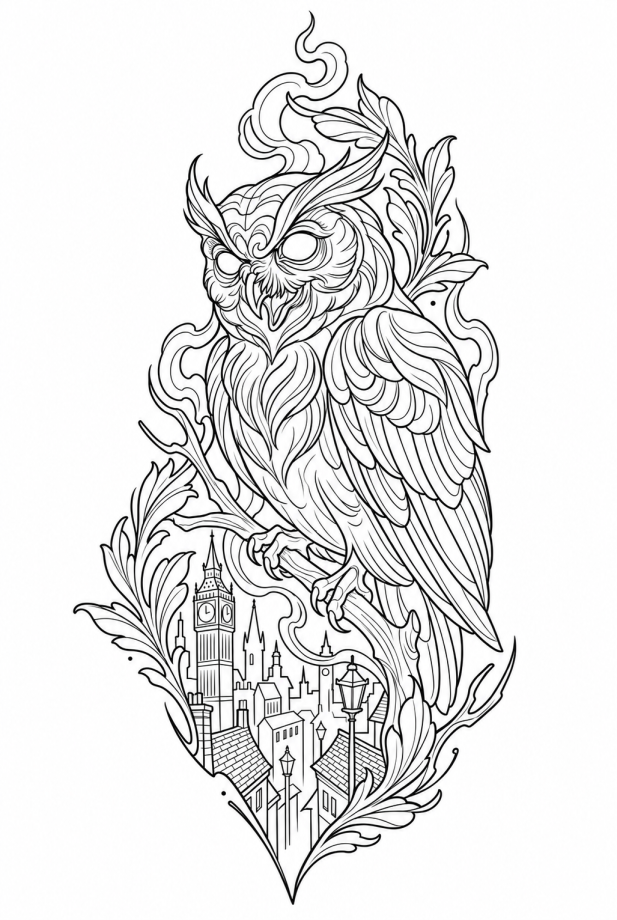
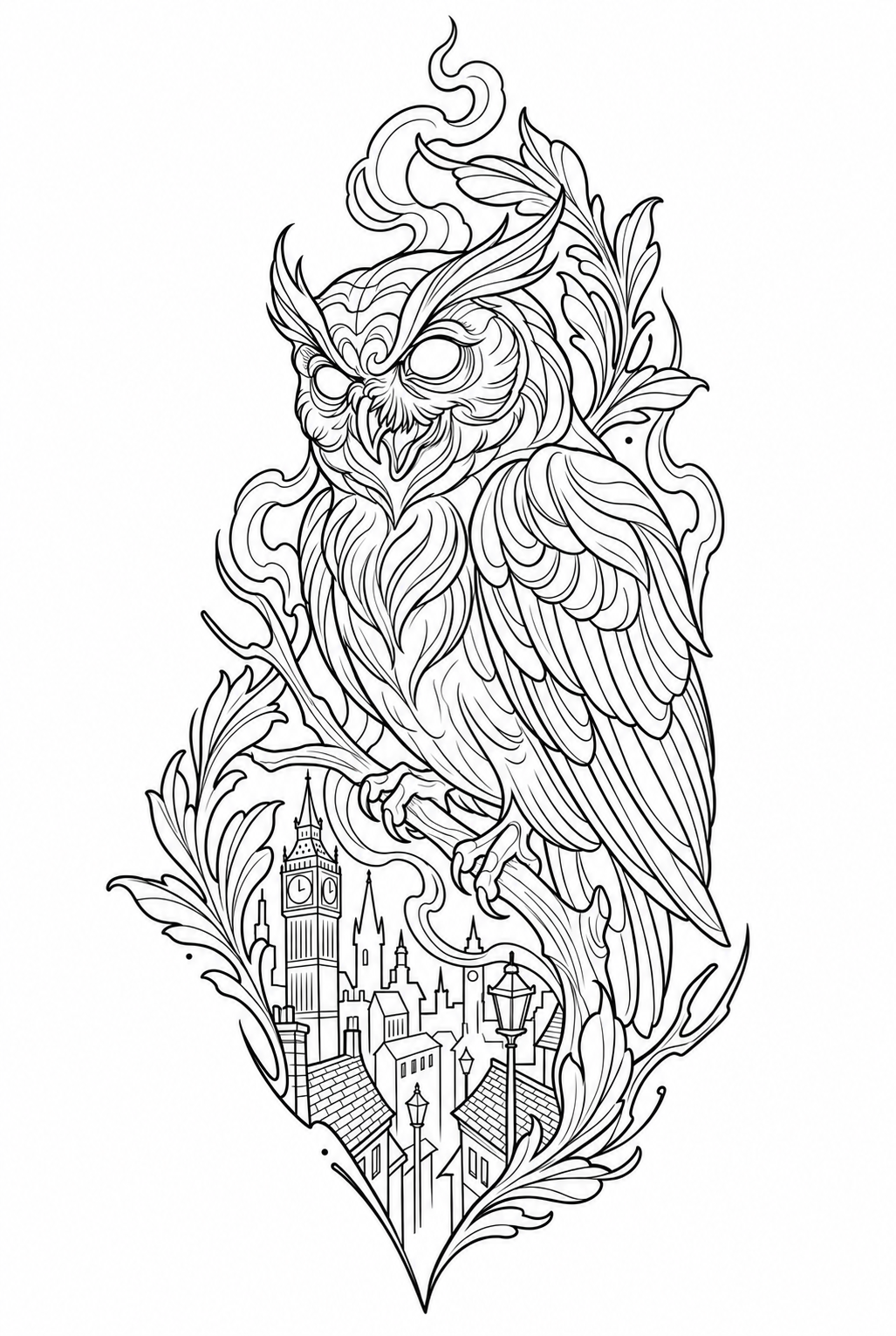
The base requests clean structural lines and balanced edge selection. Use it as a reference when deciding which information belongs in the transfer.

Requested settings

Contour weight
3 / 5
Edge selection
Balanced
Texture
Low / clean
Background
Remove
Tonal map
Off
Compare setting
Owl stencil. Reading 1 of 4.
Reading 1 of 4

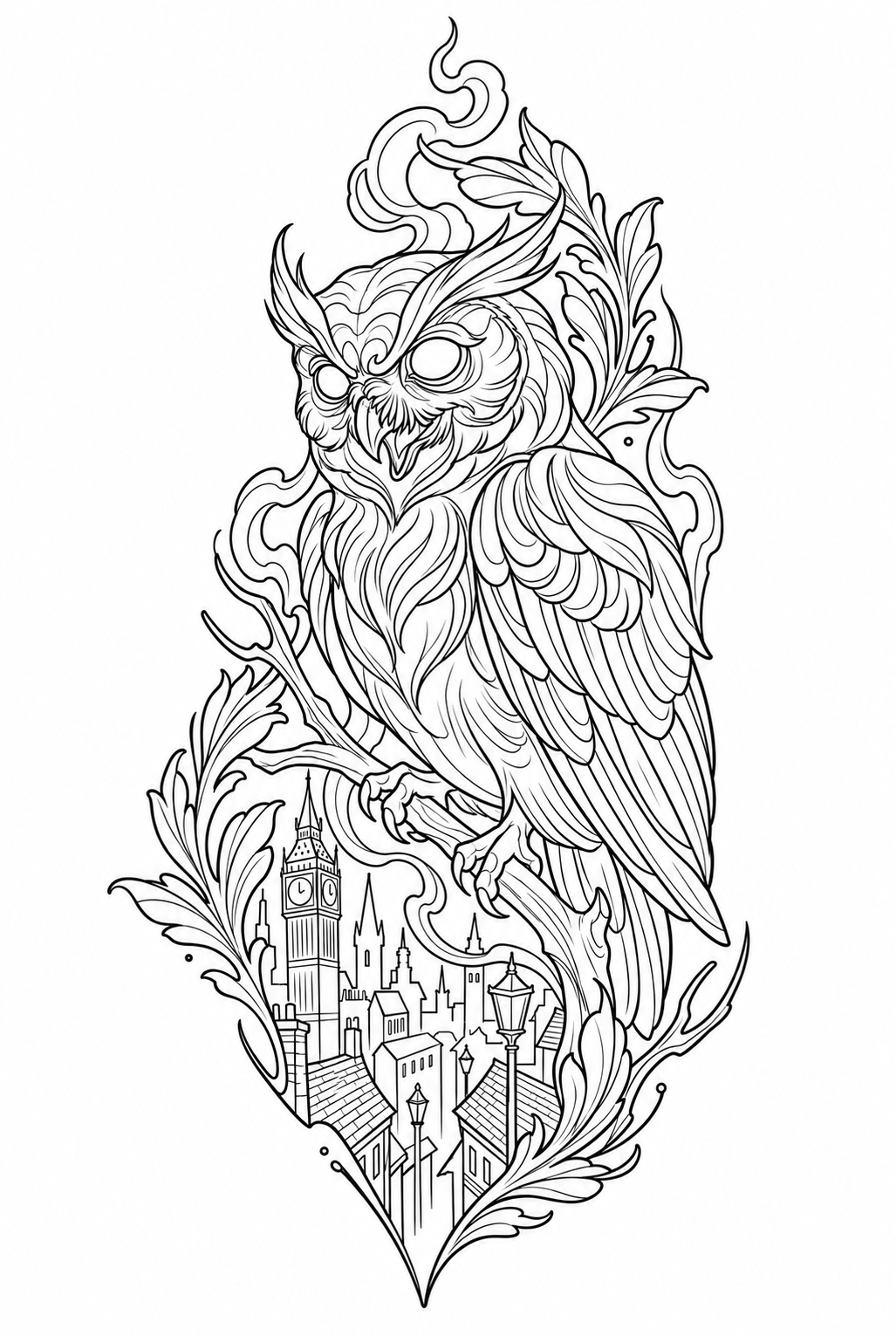
Reading 2 of 4

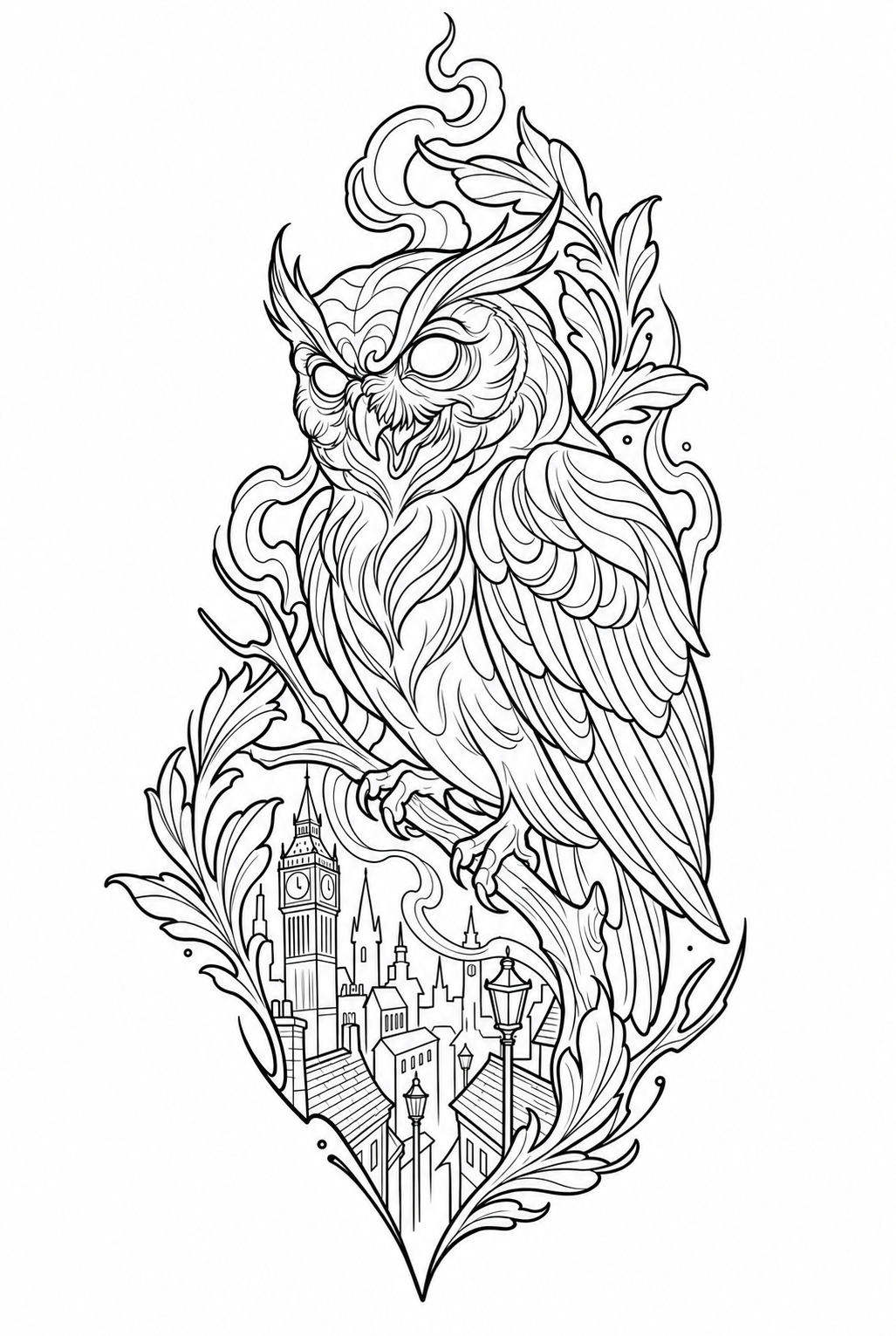
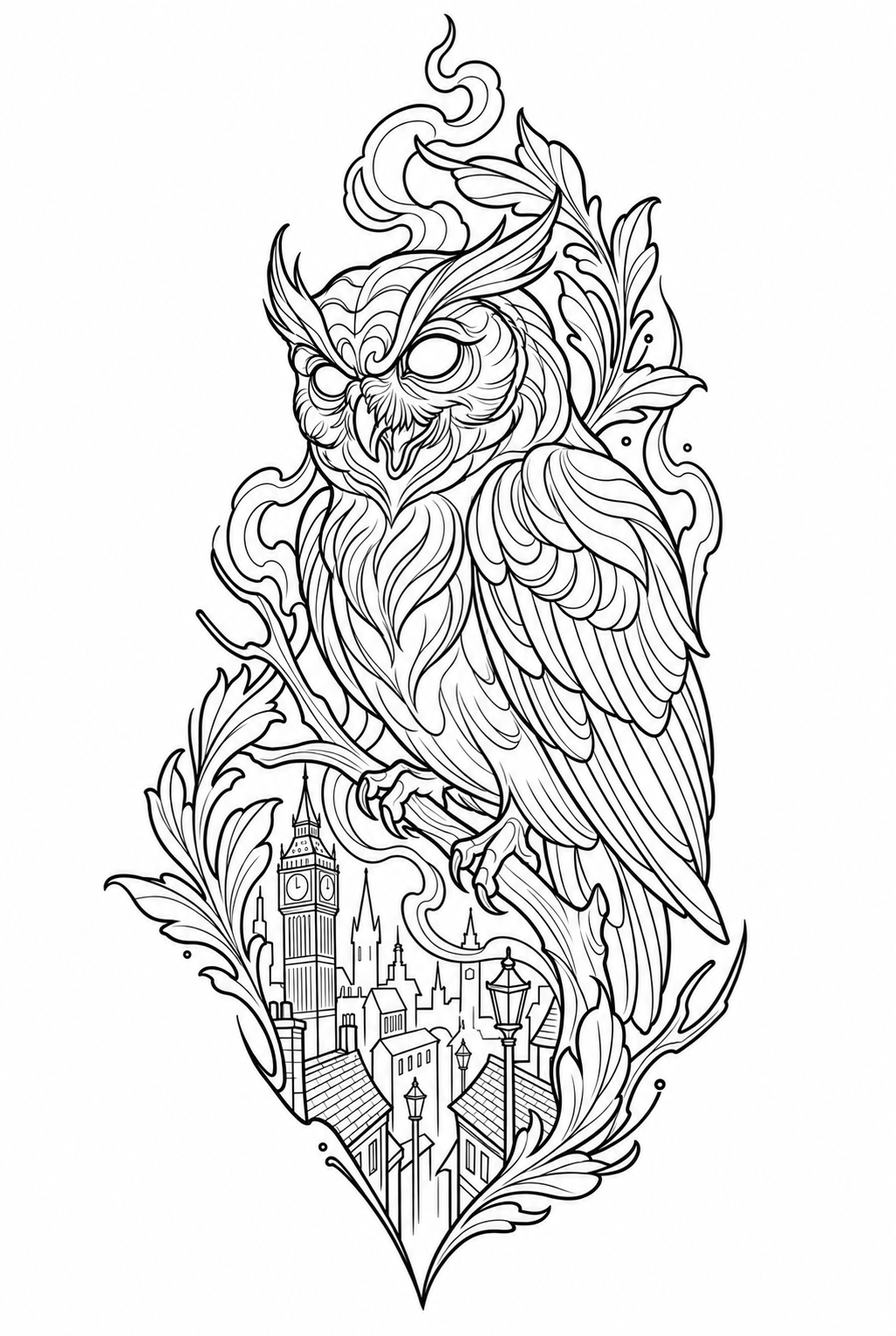
Give the contour weight

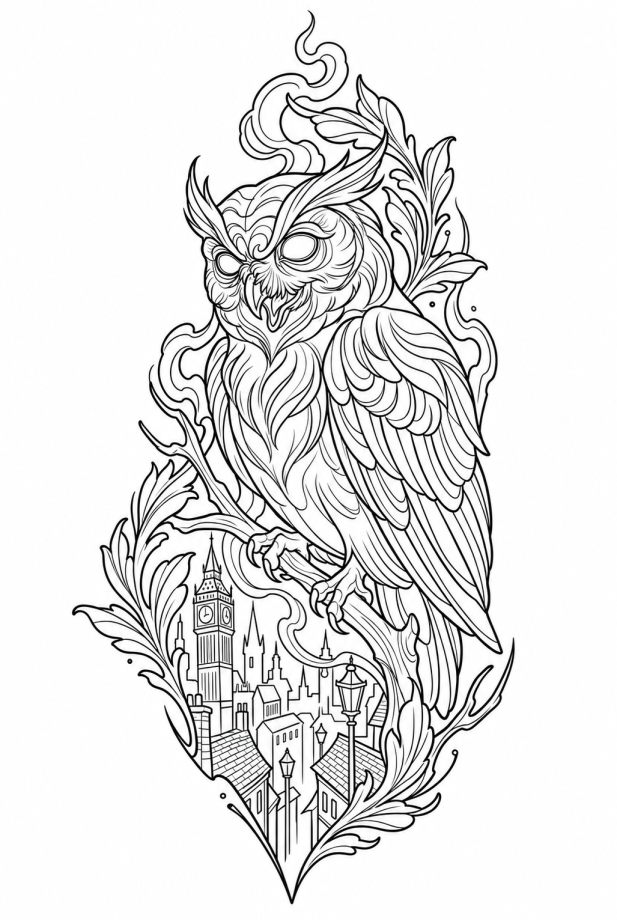
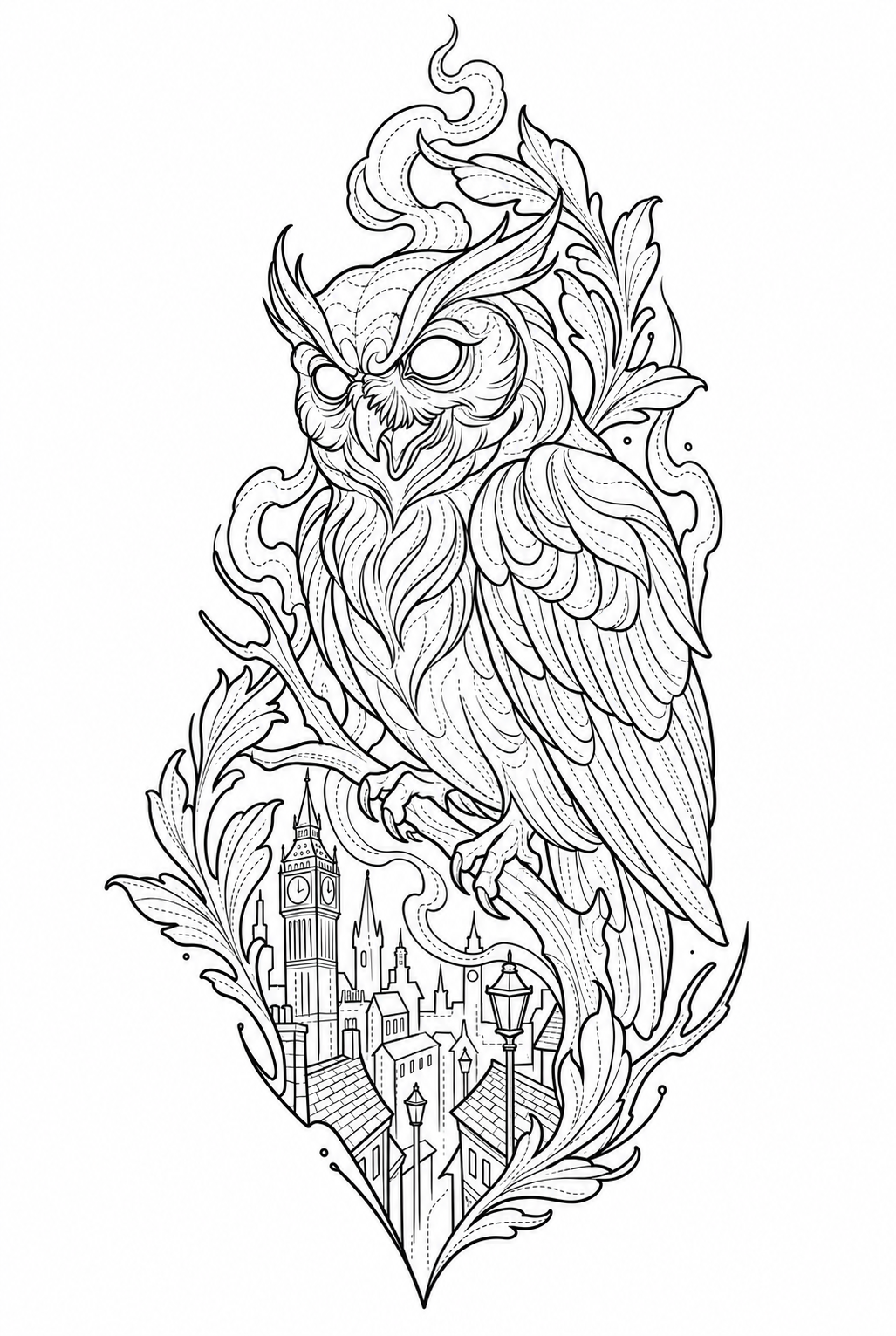
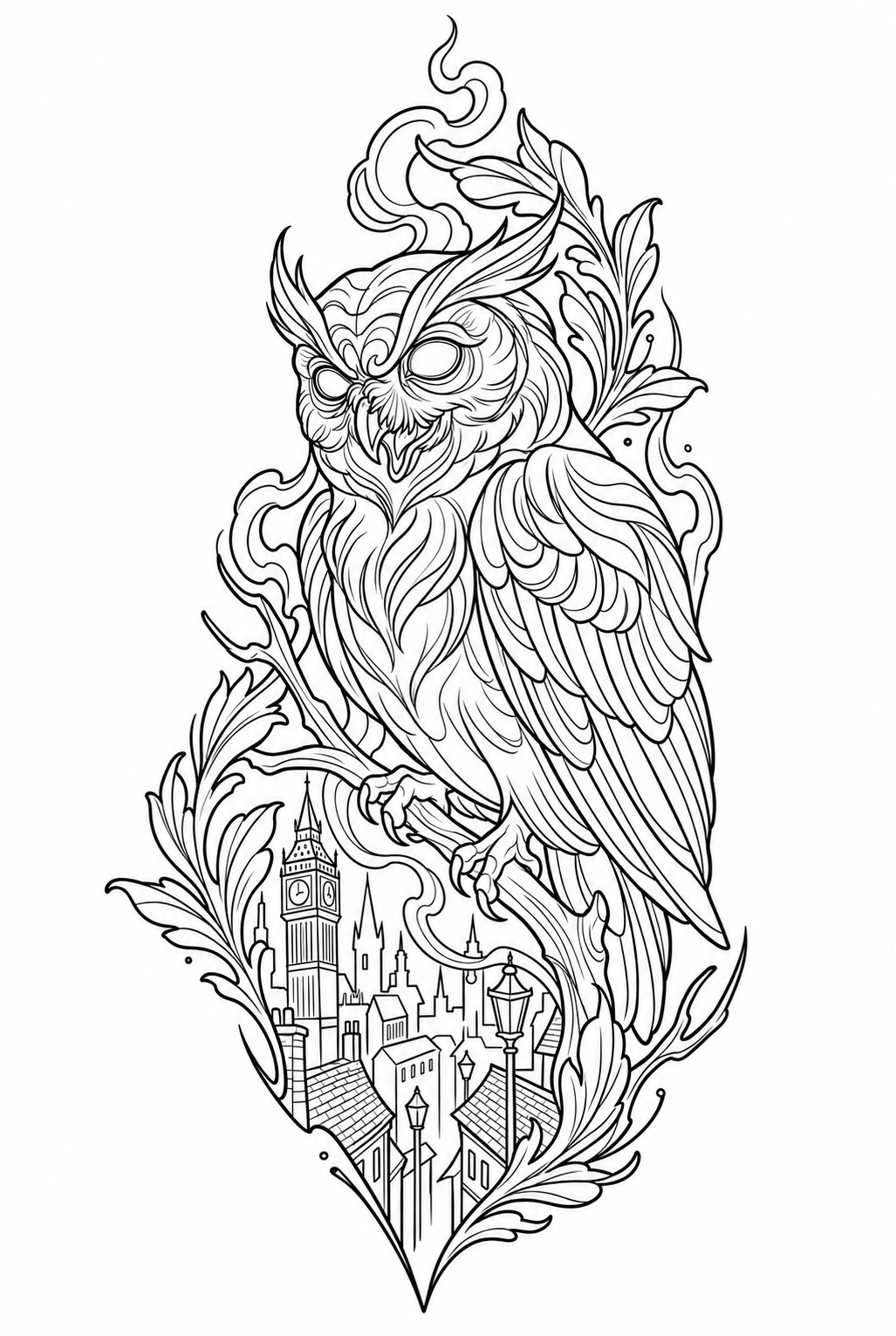
The outer silhouette anchors the piece. This sample requests level 5 for the main contour; the other controls remain at their base values.

Requested settings

Contour weight
5 / 5
Edge selection
Balanced
Texture
Low / clean
Background
Remove
Tonal map
Off
Compare setting
Owl stencil. Reading 2 of 4.
Reading 2 of 4

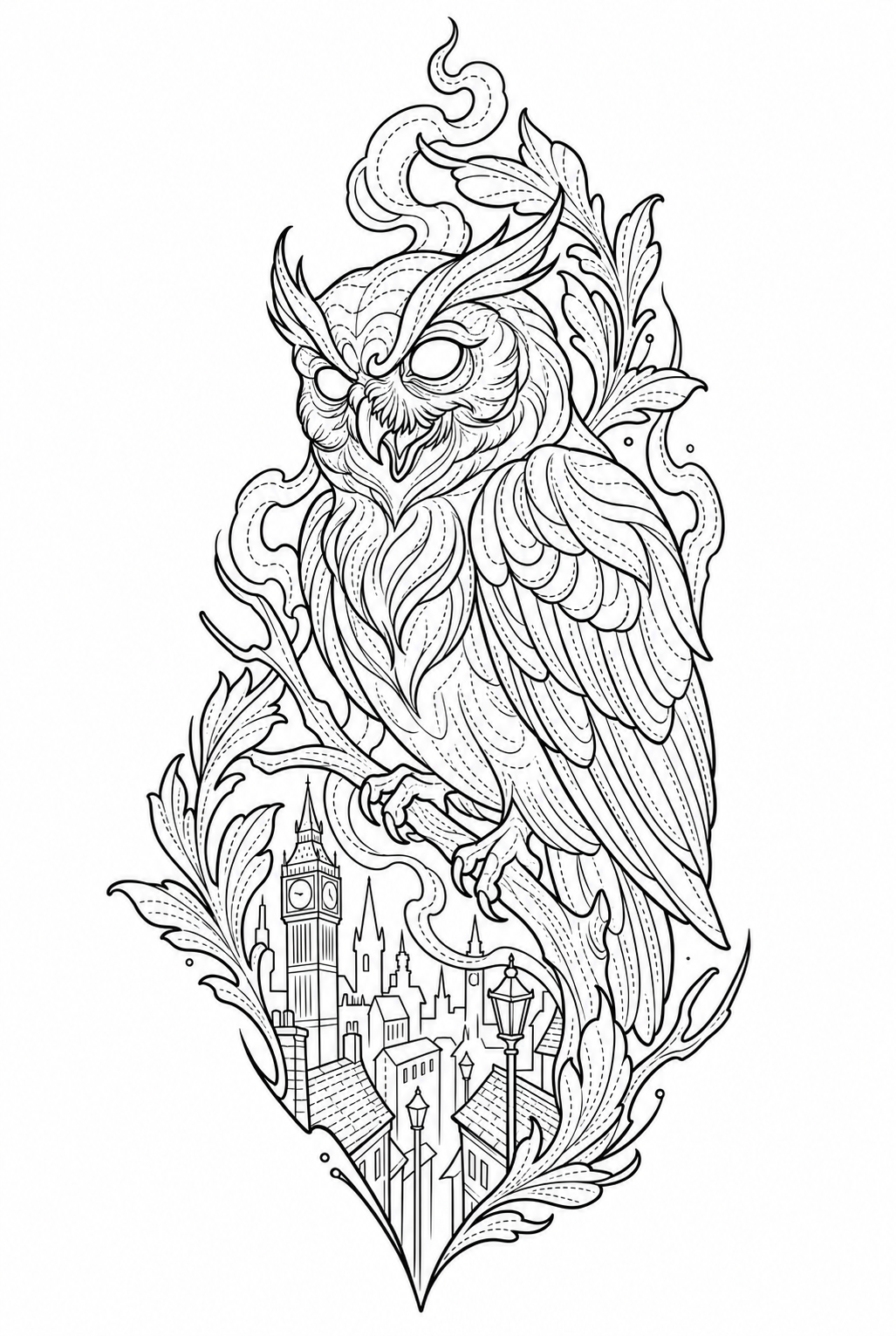
Reading 3 of 4

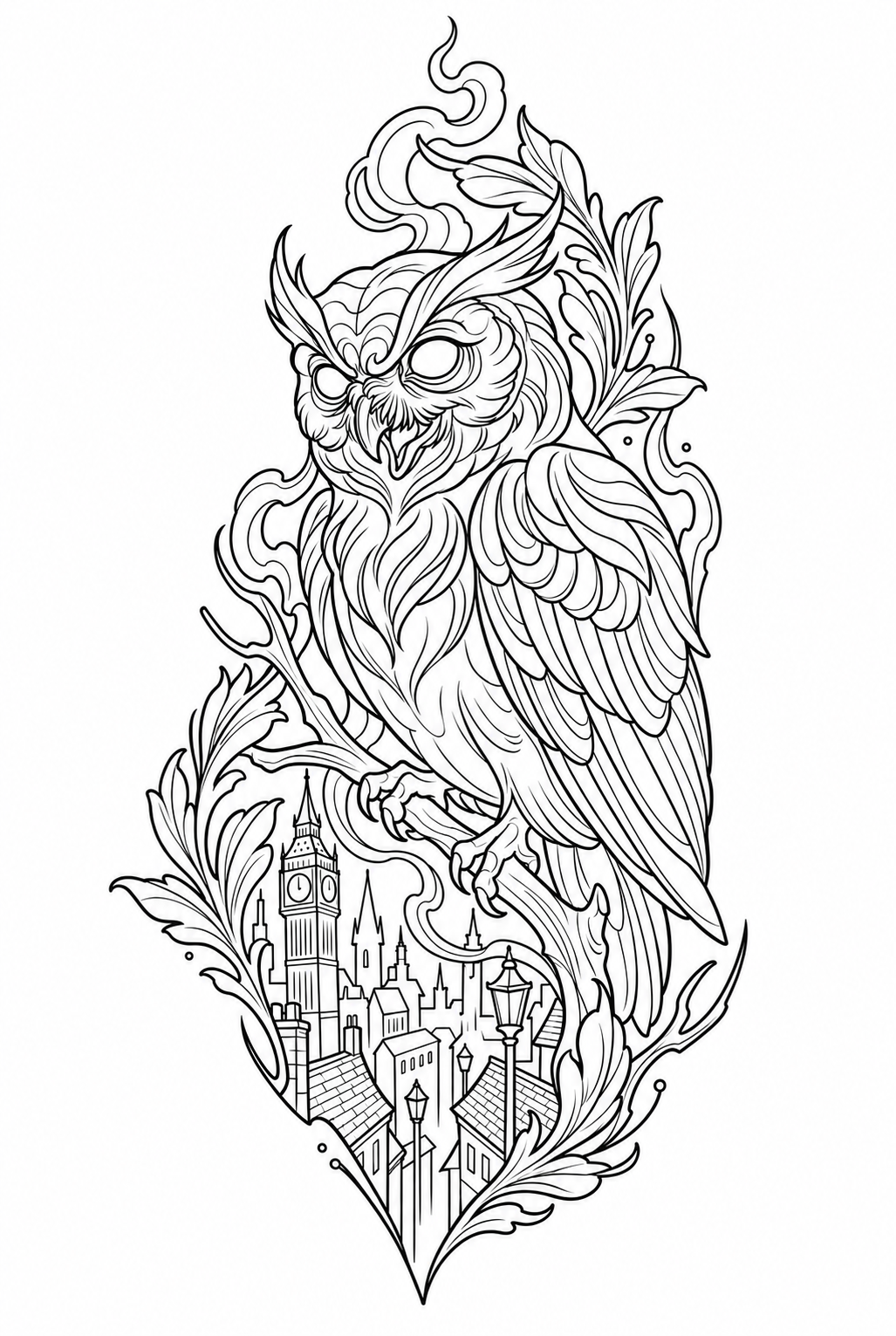
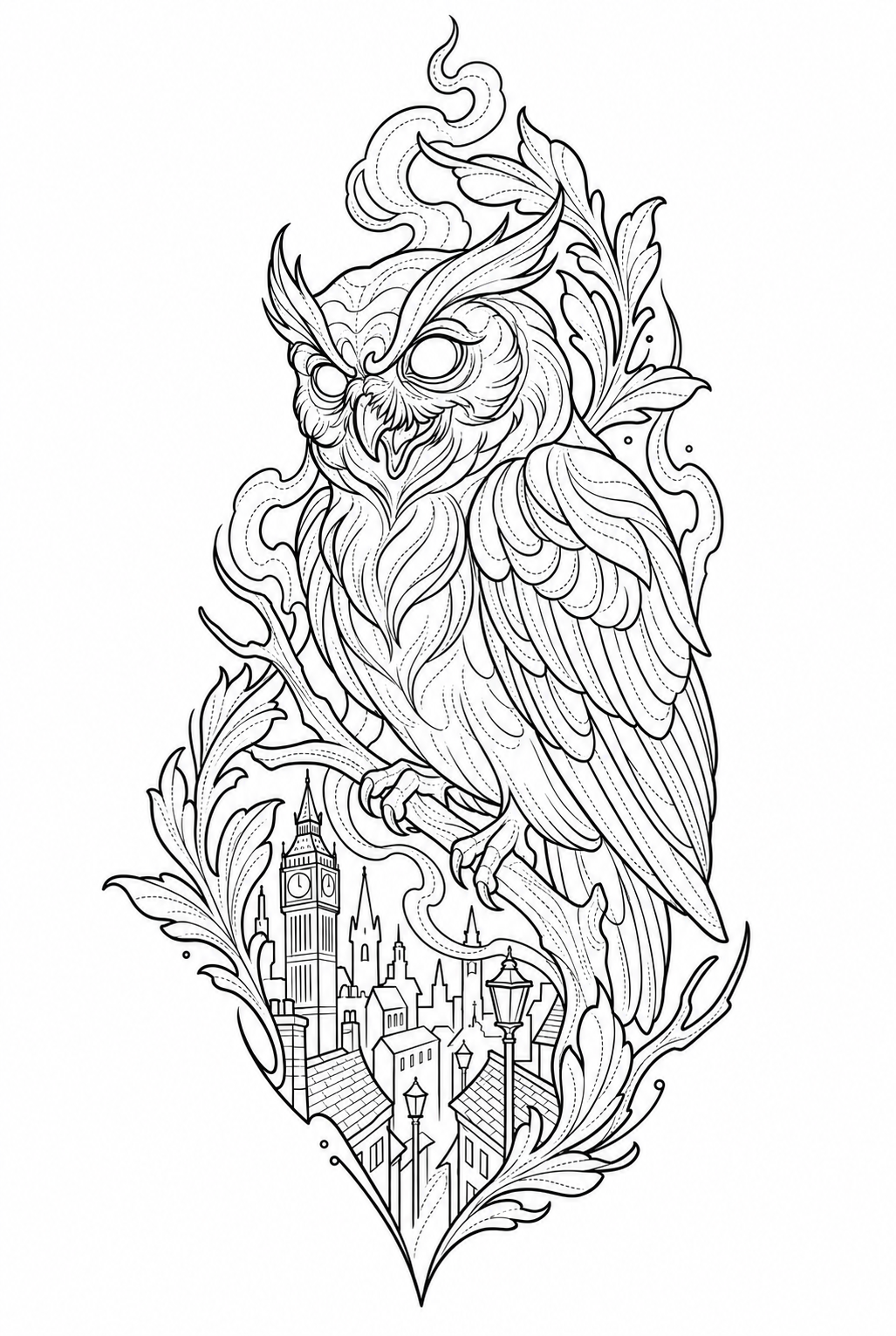
Decide which detail stays

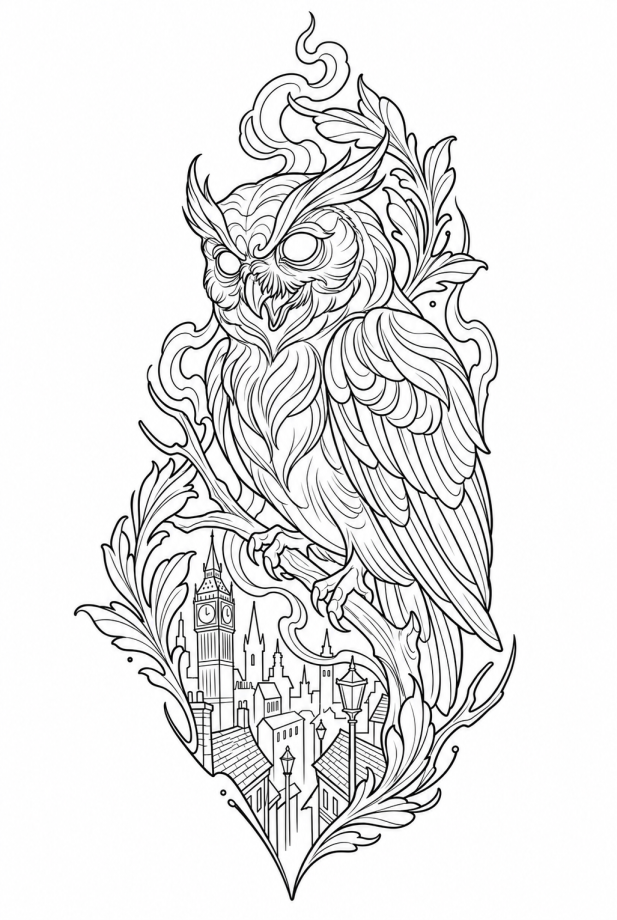
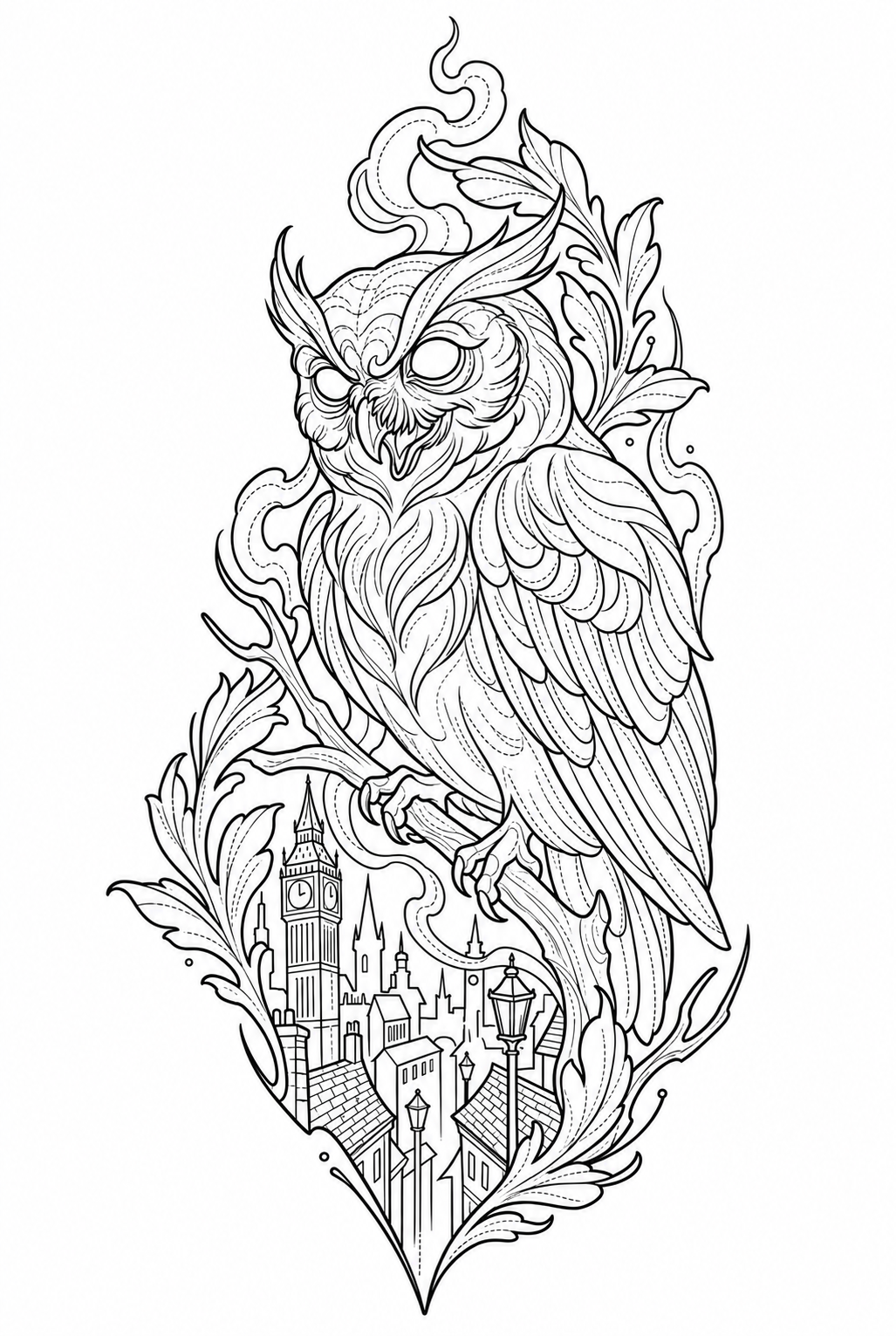
Texture controls marks on the surface, not the structure. This sample requests high texture; inspect the feathers against the base reading.

Requested settings

Contour weight
3 / 5
Edge selection
Balanced
Texture
High
Background
Remove
Tonal map
Off
Compare setting
Owl stencil. Reading 3 of 4.
Reading 3 of 4

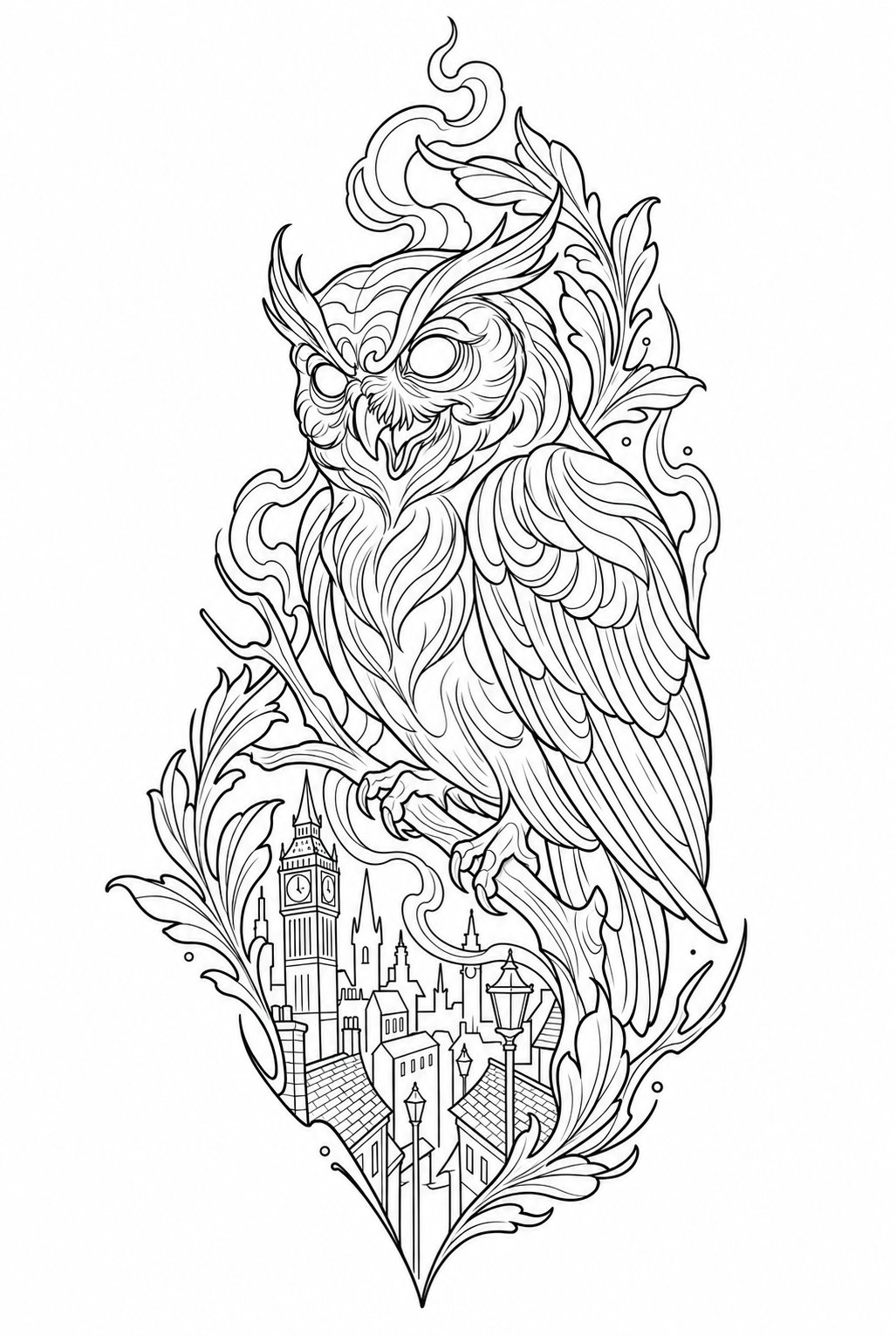
Reading 4 of 4

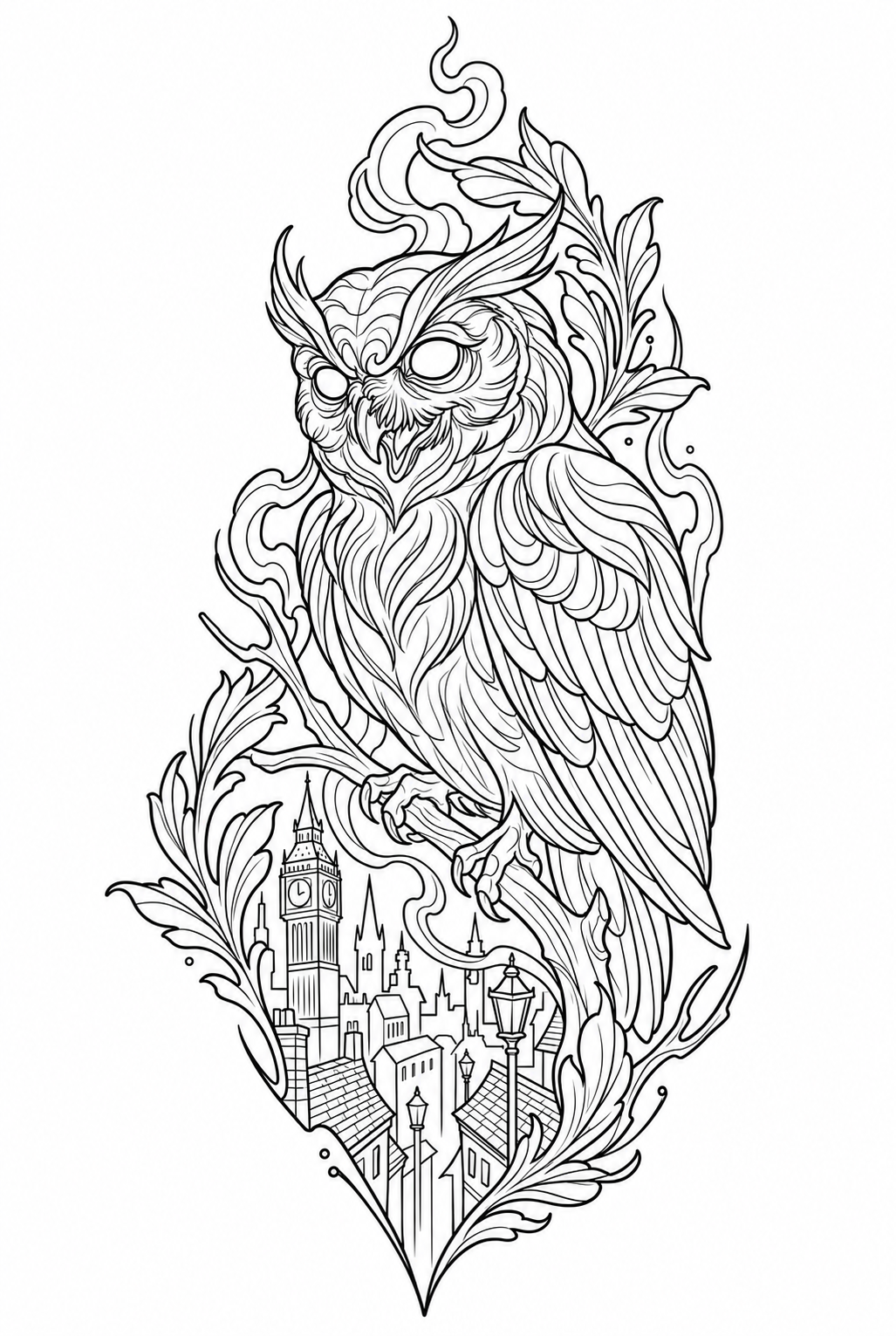
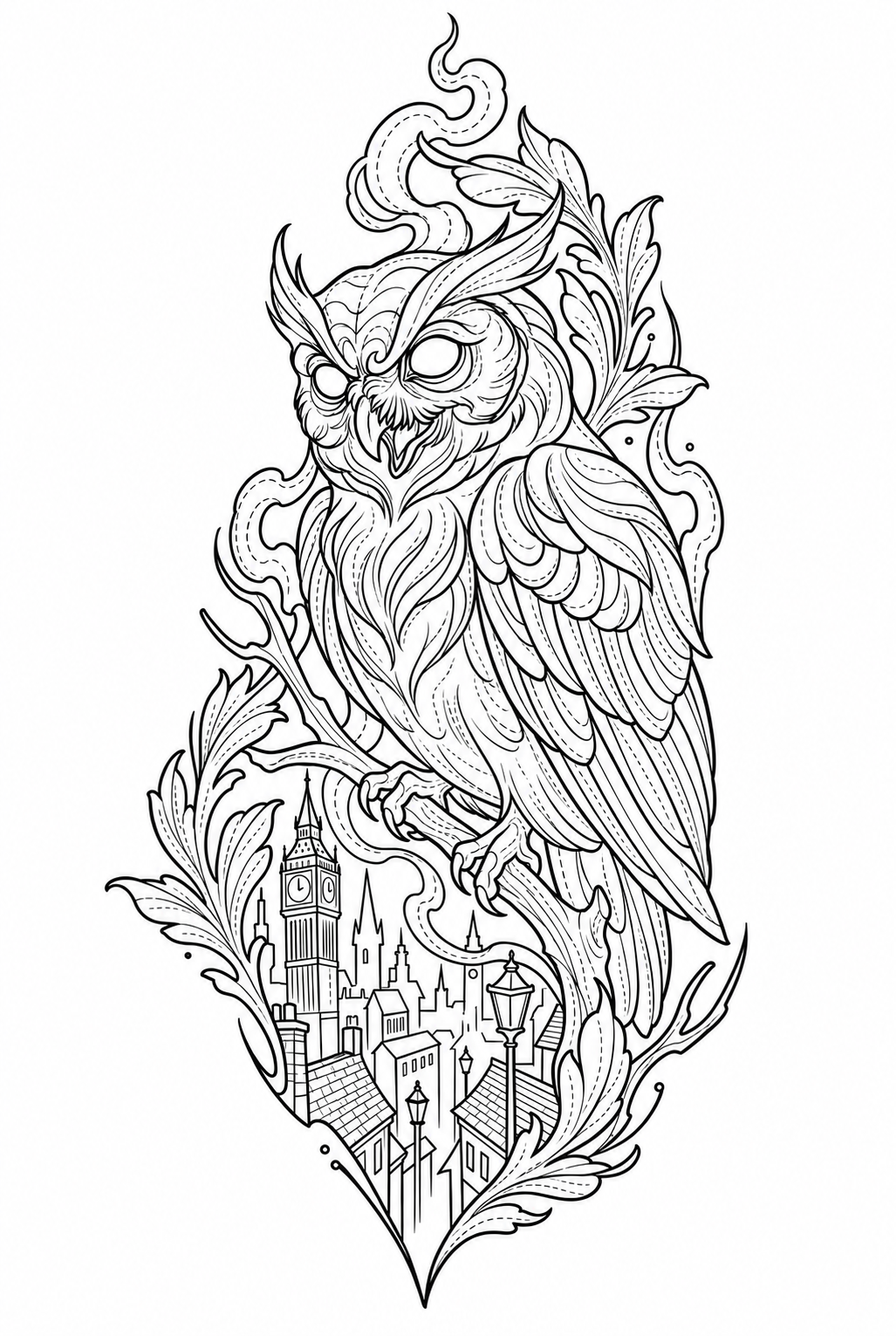
Read the tonal zones

The map adds guides between value zones. Detail requests more boundaries; weight changes their stroke, not the tone of the interior.

Requested settings

Contour weight
3 / 5
Edge selection
Balanced
Texture
Low / clean
Background
Remove
Tonal map
On
Map detail
Detailed
Map weight
Medium
Compare setting
Owl stencil. Reading 4 of 4.
Reading 4 of 4
Explore all settings

Each sample changes one control from the base. The tonal map has its own six combinations.

These values describe the requested settings. Lines and geometry can vary between samples; not every change is clearly visible.

Contour weight
Sets the main outline weight, not the whole drawing. Five requested levels.
Edge selection
Chooses which edges to retain. Essential: 1–3; balanced: 4–7; inclusive: 8–10. It does not darken the interior.
Texture
Controls surface marks, not structural edges. Inspect the saved samples before choosing.
Background
Requests removal or retention of context. Both samples here retain the city integrated into the piece.
Tonal map
Adds broken guides between tonal zones. Four value zones, three boundary types; no filled shading or separate export layers.
Map detail / Map weight
With the map off, its detail and weight do not affect the output.
View original reference

The reference remains. The reading changes.

Calisto Pro Ultra

Skip explanation

Five models. One intention.

The model interprets your brief. The style defines the language of the piece.

Athanor

Focus
A starting point for building and revising a piece.
When to choose it
When you want to establish an initial direction and keep working from a selected proposal.
What to review
Compare the result with the brief, references and body placement.

Indicative profile

  • Creativity
  • Brief consistency
  • Visual detail

Editorial estimates, not a benchmark. Results vary by style and brief.

Nigredo

Focus
Another interpretation for exploring the same brief.
When to choose it
When you need to compare a composition without changing its underlying intention.
What to review
Evaluate the silhouette, distribution of masses and negative space.

Indicative profile

  • Creativity
  • Brief consistency
  • Visual detail

Editorial estimates, not a benchmark. Results vary by style and brief.

Rubedo

Focus
An alternative from the same family as Nigredo.
When to choose it
When you want to compare another model version using the same brief and references.
What to review
Check the details, relationships between subjects and what can be simplified.

Indicative profile

  • Creativity
  • Brief consistency
  • Visual detail

Editorial estimates, not a benchmark. Results vary by style and brief.

Coagula

Focus
Another version of the Athanor family to develop the same intention.
When to choose it
When you want to compare another interpretation of the brief before deciding what to keep.
What to review
Check that the result preserves the composition and relationships within the piece.

Indicative profile

  • Creativity
  • Brief consistency
  • Visual detail

Editorial estimates, not a benchmark. Results vary by style and brief.

Azoth

Focus
A route focused on proposals and standard final renders.
When to choose it
When you seek another visual direction in a compatible style.
What to review
Its scope excludes revisions, lettering and premium render.

Indicative profile

  • Creativity
  • Brief consistency
  • Visual detail

Editorial estimates, not a benchmark. Results vary by style and brief.

The final decision belongs to the artist.

A plan for your pace.

Choose the credits you need each month.

Amounts are shown in USD. The final price is confirmed at payment according to your account country and applicable taxes.

Pro

For regular work.

Monthly price
50USD per month
Monthly credits
160
Subscribe to Pro

Credits work for design and stencil. The cost is shown before each operation.

View top-ups

Credits when you need them.

Buy credits without a subscription or add balance to your plan. Top-ups do not expire.

2.49USD per credit

Minimum purchase: 3 credits · 7.47 USD

Credit conditions

Monthly credits are used first and reset when your plan renews.

Your plan renews each month until you cancel. Manage cancellation in the billing portal before the next renewal.

Read the terms and refund policy.

Sign in or create an account to confirm your subscription. The final amount is shown before payment.
International price · USD